Patch Your Mapps Easy
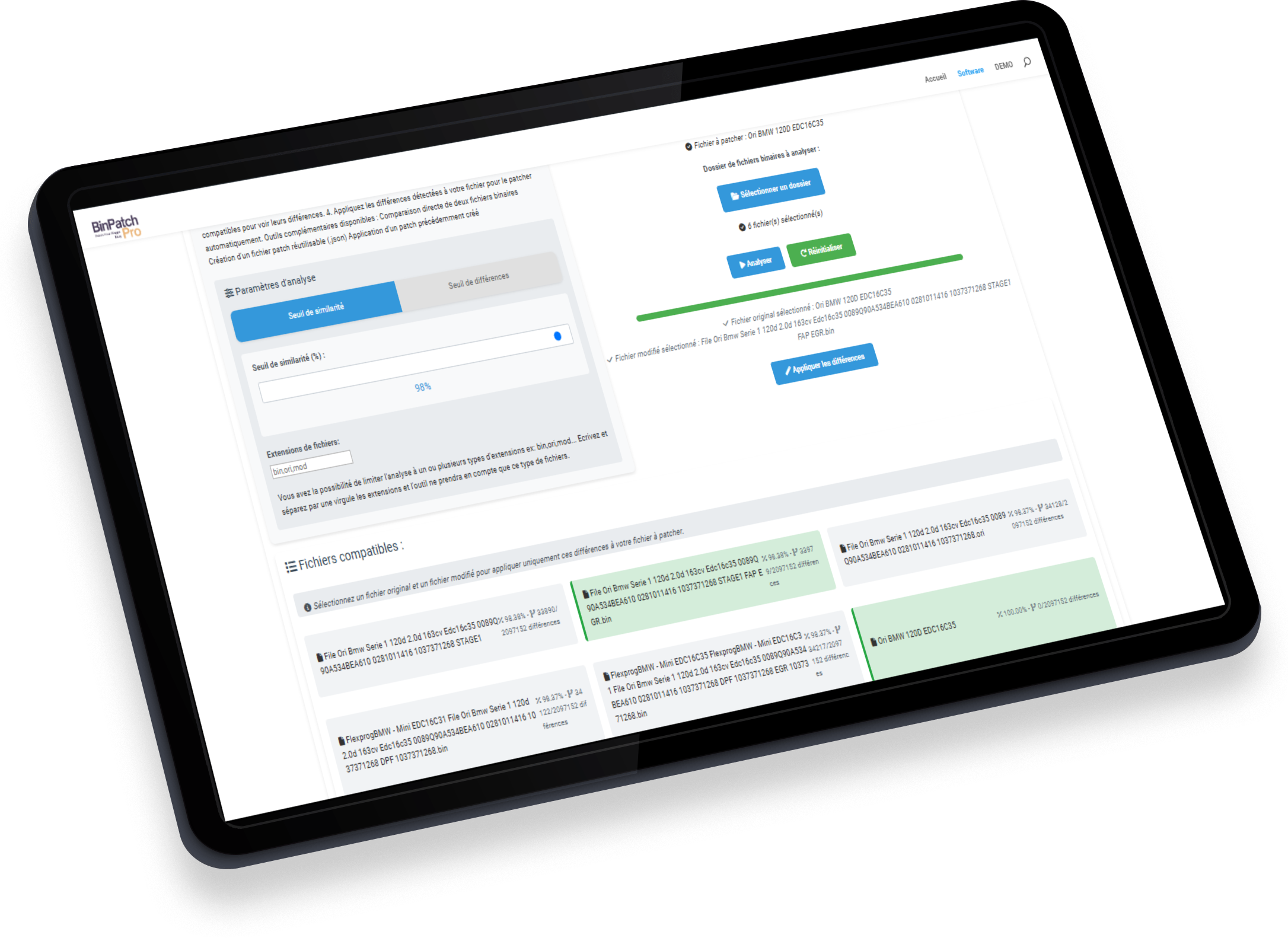
BinPatchPro is the first software designed to help you quickly analyze and compare your binary files to patch differences on a third file with ease. Create patches at will, share them and apply them in one click to the compatible files of your choice.
Try BinPatchPro DEMO online for free. Or download the BinPatchPro INSTALLER and enjoy the benefits of the demo version with a shortcut on your desktop. EXCLUSIVE GIFT: Receive the new BinPatchCréator DEMO with every Free Plan registration.
SAVE BIG, PATCH YOUR MAPPS!

Similarity analysis
Compare binary files and find the most similar with remarkable accuracy.

Applying differences
Easily apply changes from one file to another...

Customizable threshold
Adjust the level of similarity to refine your results according to your needs.

Substantial savings
Avoid buying new files by using solutions already on your computer. Create your own patches and reuse them.

Analysis by complete file
Analyze and process multiple files simultaneously to save considerable time.

Automatic detection of compatible patches
During compatible file analysis, compatible patches will be detected automatically.
File comparison
Avoid buying new files by using solutions already on your computer.
Patch creation
Create patches of your stage1, 2, 3 solutions... thanks to Json file creation technology.
Patch application
Apply your patches in one click to the files of your choice, and reuse your solutions again and again.
Automatic detection
BinPatchPro detects your files and compatible patches. Apply the differences between 2 compatible files, or apply a previously created compatible patch to your file to be modified in one click.
Patch creation and application
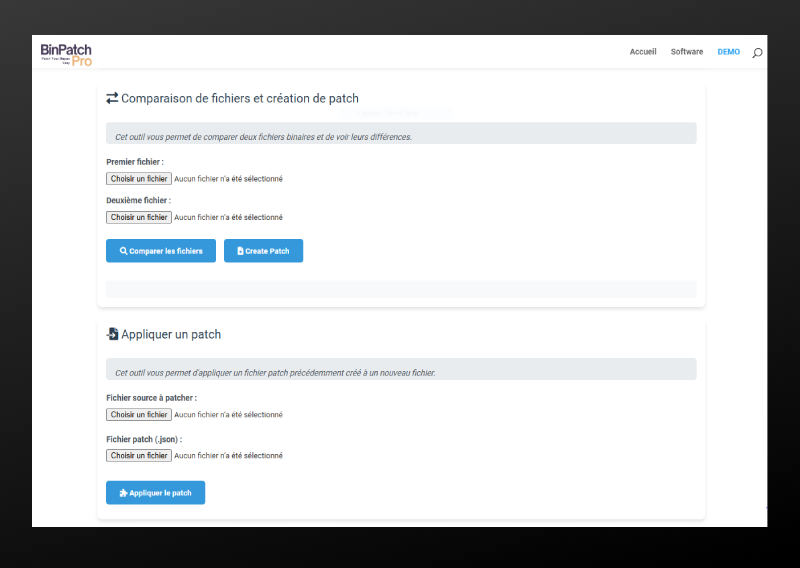
Thanks to Json technology, you can instantly create patches for all the solutions (AdBlue, Stage1...) you need, and apply them to any compatible file.
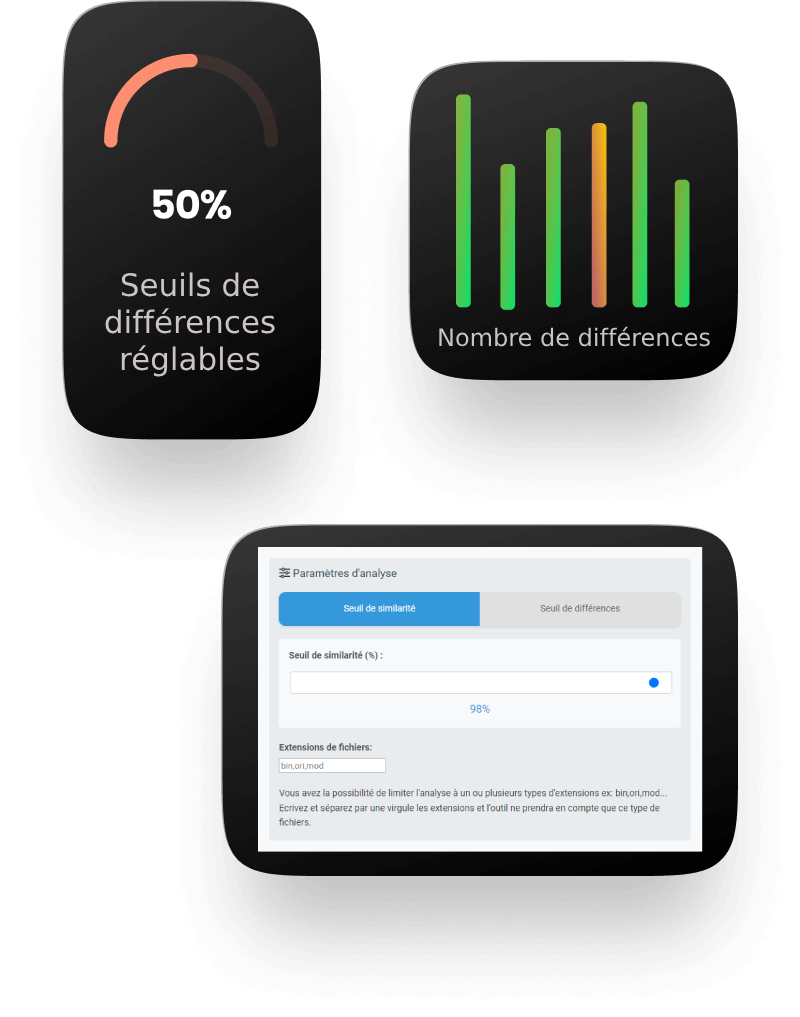
Analysis options
Switch between similarity and difference modes as required.
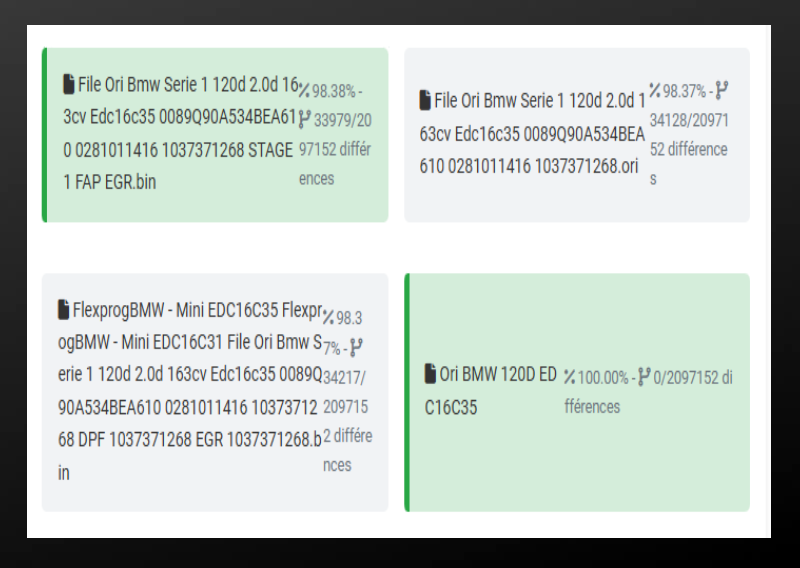
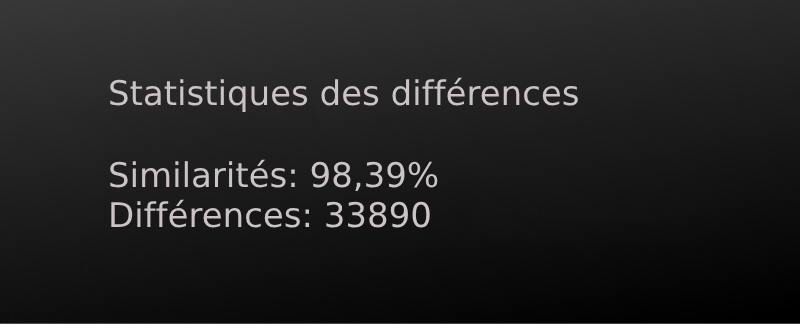
The higher the similarity percentage, the closer the files are, while the number of differences indicates the bytes that differ between files.
You can filter by extension to precisely target the file types you want to analyze.
Join Today
Free Trial
Demo- BinPatchPro DEMO version
- BinPatchCreator DEMO version
- Online access to DEMO software
- Access to DEMO software for Windows
- Automatic updates
- Unlimited patch creation and analysis
- NO patch applications
- Unlimited number of stations
BASIC Plan
For Tunners- BinPatchPro Full version
- BinPatchCreator Full version
- Online software access
- Software access for Windows
- Automatic updates
- Unlimited patch creation and analysis
- Unlimited patch applications
- Unlimited number of stations
Life Time
Full life time licence- BinPatchPro Full version
- BinPatchCreator Full version
- Online software access
- Software access for Windows
- Automatic updates
- Unlimited patch creation and analysis
- Unlimited patch applications
- Unlimited number of stations
- Lifetime license
- Beta testing future software

The Remapp software Builder
Product
BinPatchPro
BinPatchCreator
Company
Privacy policy